
Your Wedding.
Beautifully Planned.
Bring your wedding plans together in one beautiful place. From managing your budget and guests to organizing ceremonies, vendors, and important tasks, Fliqa WedPlan makes wedding planning simpler and more organized.

From Haldi to Reception Gala
Structured for traditional ceremonies, guest RSVP management, multi-stage task lists, and real-time expense calculations.

Everything You Need to Plan Your Special Day
Keep the important details of your wedding organized with easy-to-use planning tools.
Wedding Dashboard
See your wedding countdown, track planning progress, and stay connected to your important preparations.
Wedding Checklist
Create and manage tasks, track completed activities, and stay organized throughout your wedding planning journey.
Budget & Expense Tracking
Set your wedding budget, organize expenses, record payment details, and keep track of spending.
Guest List Management
Maintain guest details, organize your guest list, and track RSVP information in one place.
Ceremonies & Events
Plan your Haldi, Mehendi, Sangeet, Wedding, Reception, and other celebrations with organized event details.
Vendor Management
Keep your wedding vendor contacts and important service information easy to access.
A Simpler Way to Plan Your Wedding
Organizing wedding preparations doesn’t have to be stressful. Follow a clear, proven progression.
Set Up Your Wedding
Start with your wedding date, location, budget, and planning preferences.
Organize Everything
Manage your checklist, expenses, guests, ceremonies, and vendor information.
Stay on Track
Review your progress, follow upcoming events, and keep your wedding details organized.
A Planning Experience Built Around Your Wedding
Every wedding is unique. Fliqa WedPlan helps you organize the celebrations, people, and details that matter to you.
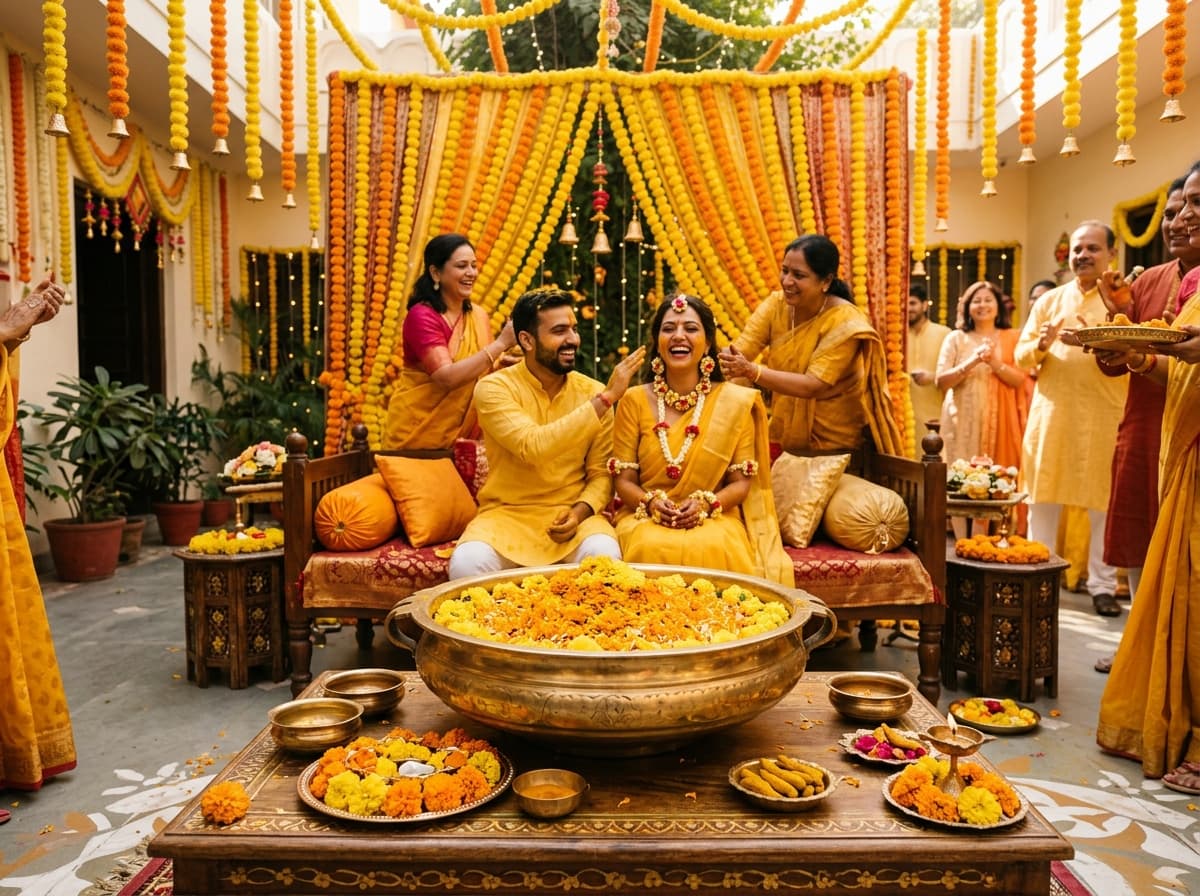
Designed for Rich Regional Traditions
Made for the Moments That Matter
From pre-wedding celebrations to the big day, organize the traditions and events that make your wedding special.

Haldi Ceremony
Morning turmeric rituals, auspicious beginnings, and vibrant family moments.

Mehendi Celebration
Henna styling, folk music, celebratory beats, and floral courtyard setups.

Sangeet Night
Choreographed musical dances, celebratory evening lights, and family performances.

The Wedding (Lagna / Vivah)
The sacred Mandap vows, Saat Phere, holy rituals, and union of two families.

Reception Gala
Grand feast, evening banqueting, greetings, and formal bridal portraits.
Start Planning for Free
Fliqa WedPlan brings essential wedding planning tools together in an easy-to-use mobile experience.
No Paywalls
Access all budget calculations, checklists, guest lists, and event tools with zero subscription fees.
Guest Mode
Begin planning on your Android phone immediately without creating an account or providing an email.
Cloud Sync Ready
Optionally sign in via Google or email whenever you wish to backup and synchronize with partners.
Make Every Wedding Detail Count
Start organizing your wedding plans with Fliqa WedPlan.
com.fliqaindia.wedplanA free utility by FliqaIndia Pvt. Ltd. · Compatible with Android devices.