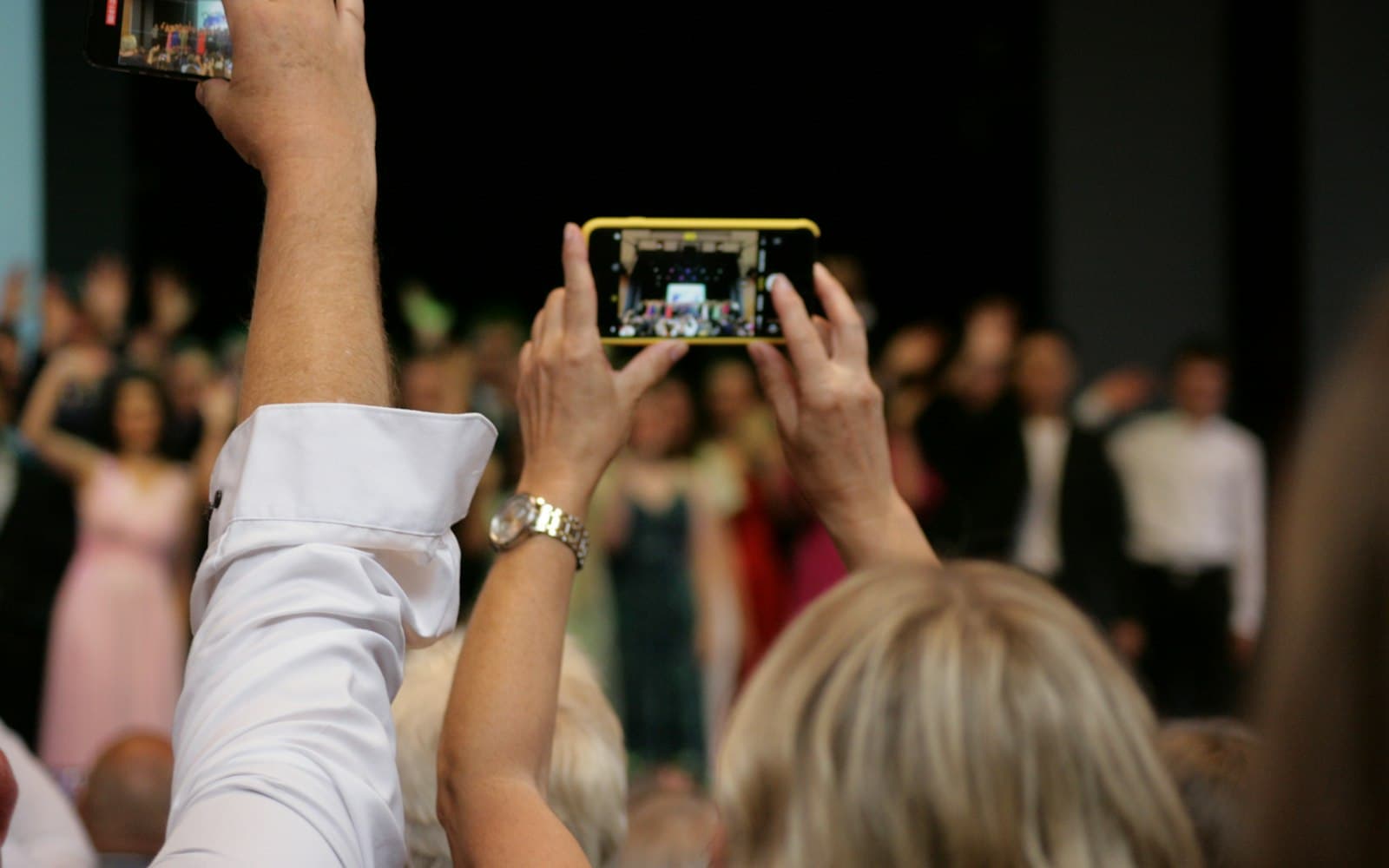
How AI Is Transforming Professional Photography Workflows
AI now helps at almost every stage of a photography job, from culling and masking to delivery. Here is where it saves real time, where it still needs a human eye, and how to adopt it responsibly.
A decade ago, the slowest parts of a photographer's week were mechanical: going through thousands of frames to find the sharp ones, painting masks by hand to brighten a face, retouching stray hairs, and answering messages from guests looking for their photos. Today, software with machine learning built in can do a first pass at most of these tasks.
That does not mean AI takes the pictures or decides what matters. It means the hours between the shoot and the delivery are changing. This guide looks at each stage of a typical professional workflow, what AI does well there, where it still needs a human check, and the questions of honesty and client privacy that come with it.
Where AI shows up in a typical workflow
| Stage | What AI can do | What still needs you |
|---|---|---|
| Culling | Flag blur, closed eyes and near-duplicates | Choosing the moments that matter |
| Editing | Select subjects, skies and people automatically | Judging colour, skin tones and mood |
| Clean-up | Reduce noise, remove small distractions | Deciding what may be changed |
| Organising | Suggest keywords, group faces | Checking names and captions |
| Delivery | Let guests find their own photos | Consent, access and privacy settings |
Culling
Culling, the first sort of a shoot, is often the most tiring job after a long wedding day. Culling tools use AI to group similar frames, flag shots that are out of focus or where someone has their eyes closed, and suggest a shortlist.
This is a genuine time saver for the obvious rejects. It is weaker at the judgement that clients pay for. Software can tell a sharp frame from a soft one; it cannot know that the slightly soft frame is the only photo of the bride's grandmother laughing. Use AI to remove clear failures, then make the final selection yourself.
Editing and masking
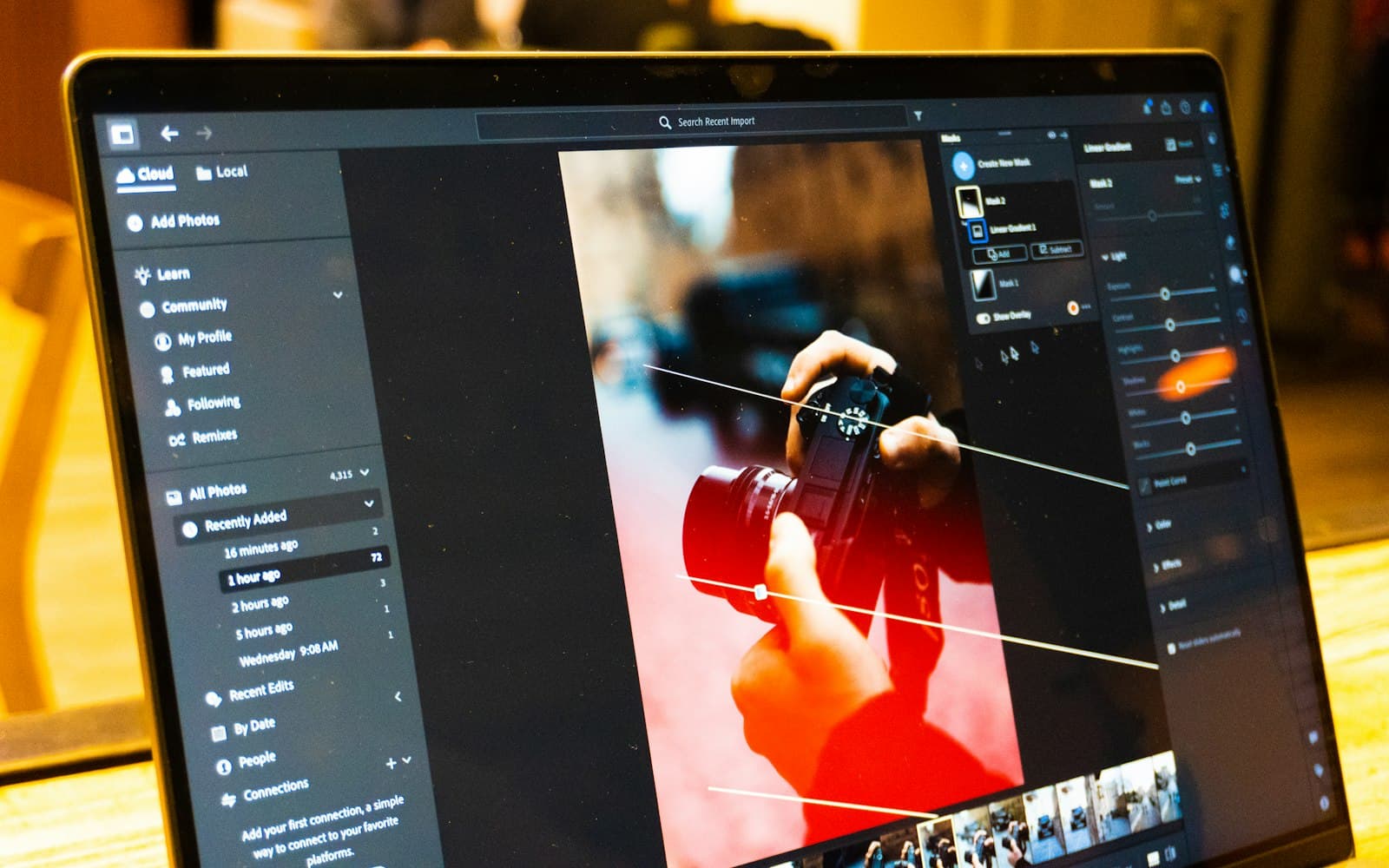
AI-assisted masking is one of the most practical AI features in everyday photo editing. Adobe's documentation for Lightroom Classic, for example, describes automatic masks for the subject, sky, background, landscape features, objects and people, and for people it lets you select specific parts such as hair or clothes. As with other edits in Lightroom, these masked adjustments are non-destructive and do not permanently change the original photo.
The practical effect is that local edits which once took minutes per image, such as brightening faces in a dim mandap or calming a blown-out sky, can be applied in seconds and synced across a set. The catch is that automatic selections can be imperfect at edges: jewellery, flowers in the hair, a dupatta, or a veil against a bright background. Check the mask overlay on key images before syncing it across hundreds.
Clean-up and retouching
Noise reduction, upscaling and removal of small distractions (an exit sign, a stray wire, a passer-by in the background) are now common AI features. Generative tools can go further and fill in or replace parts of an image.
This is where professional judgement matters most. Removing a wire is retouching. Adding a person who was not there, changing a ritual, or making a venue look like somewhere else changes what the photograph records. Agree with clients in advance what kind of edits they expect, and keep generative changes to a minimum in documentary work such as weddings.
Organising and keywording
AI can suggest keywords and group photos by face, which makes large archives searchable. It saves time, but the suggestions need checking: a grouping tool does not know who anyone is, and keywords may miss cultural detail, such as the names of specific ceremonies, that matters to the family.
Delivery
At delivery, AI helps guests find their own photos in large galleries through face search. It can be a real improvement for events with hundreds of guests, but it also involves processing people's face data, which carries privacy obligations. Our guide to AI face search for event photos covers this in detail.
What changes for photographers in India
Some features of Indian events make AI especially useful, and some make its limits more visible.
- Volume. Multi-day weddings with several functions produce very large numbers of frames. Faster culling and batch masking reduce the backlog.
- Mixed and difficult light. Evening functions under coloured stage lights, fairy lights and tube lights are hard on skin tones. AI masks help target faces, but colour judgement remains yours.
- Varied customs. Rituals differ by region and community. Software does not know which moments are important to a particular family, so the selection still has to come from someone who understands the event.
- Tight timelines. Many couples and families want to see a few photos soon after the event. AI can shorten the path to a first set of edited previews.
Where AI falls short
Accuracy is uneven
Face-related features are not equally accurate for everyone. In a 2019 study of 189 face recognition algorithms from 99 developers, the US National Institute of Standards and Technology found that the majority showed demographic differentials: their accuracy in matching two photos of the same person varied across groups. NIST also found wide differences between algorithms. For a photographer, the lesson is to spot-check results, especially for features like face grouping and face search.
Consistency and style
AI presets and automatic adjustments can make work look generic. Clients often choose a photographer for a recognisable style. Use AI to speed up the steps that do not define your style, and keep control of the ones that do.
Errors at scale
When an automatic mask or edit is wrong, syncing it across a whole set multiplies the mistake. Build in a review step before export.
Honesty about edits
As generative editing becomes easier, clients and the public increasingly ask whether an image has been altered. Two industry standards are worth knowing:
- Content Credentials, the open standard from the Coalition for Content Provenance and Authenticity (C2PA), is designed to record the origin and edit history of digital content, so viewers can check how an image was made.
- IPTC Photo Metadata is the widely used standard for descriptive, administrative and copyright information embedded in image files.
You do not need to adopt every tool at once. A simple policy helps: tell clients which kinds of AI edits you use, do not add or remove people without their agreement, and keep your original files.
Client photos and data protection
Uploading a client's photos to a cloud-based AI service means sharing personal data with that service. Before you do, check the provider's terms: where the data is stored, who can access it, how long it is kept and whether your uploads may be used to train its models.
India's Digital Personal Data Protection Act, 2023 requires a business that decides how personal data is processed to use a service provider that processes data on its behalf only under a valid contract, and to take reasonable security safeguards. These and most other obligations under the Act are being brought into force in stages, with the main obligations taking effect eighteen months after the Rules were published in November 2025, so it is sensible to set up your practices now.
A practical way to adopt AI
- List your bottlenecks. Note which tasks take the most hours per job: culling, masking, retouching or delivery.
- Trial one tool at a time on a past job, and compare the time taken and the result with your usual process.
- Define human checkpoints. Decide where you will always review AI output, such as final selection, key portraits and every generative edit.
- Write an edit policy for clients, in plain language.
- Check the data terms of every service you upload client photos to.
- Review after a few jobs. Keep what genuinely saves time without lowering quality, and drop what does not.
Questions to ask before adopting an AI tool
- Which specific task does it save time on, and by how much in my own tests?
- Can I review and override every automatic decision?
- Are my edits non-destructive, with the originals untouched?
- Where are uploaded photos stored, and are they used for training?
- Can I delete client data from the service when a job is finished?
- Does it support exporting metadata or Content Credentials?
- What happens to my work if I stop paying for it?
The bottom line
AI is best understood as a fast assistant for the mechanical parts of photography. The judgement that clients value, knowing which moment matters, how a family wants to be seen and what should not be changed, remains human work.
For a wider view of AI tools across creative professions, read AI tools for creative professionals, and for the business side, essential tools for running a photography business. Within the FliqaIndia group, Fliqa AI offers private, branded galleries delivered by link or QR code, with AI face search for guests (brand profile); our technology services page describes the group's wider software work.
Sources and further reading
- Masking tool (Lightroom Classic) (opens in a new tab)Adobe Help Center
- NIST Study Evaluates Effects of Race, Age, Sex on Face Recognition Software (opens in a new tab)National Institute of Standards and Technology
- Coalition for Content Provenance and Authenticity (C2PA) (opens in a new tab)C2PA
- IPTC Photo Metadata Standard (opens in a new tab)International Press Telecommunications Council (IPTC)
- The Digital Personal Data Protection Act, 2023 (No. 22 of 2023), Gazette of India (opens in a new tab)Ministry of Electronics and Information Technology
- Notification appointing dates of commencement of the DPDP Act (G.S.R. 843(E)) (opens in a new tab)Ministry of Electronics and Information Technology
Published by FliqaIndia Private Limited for general information. Photographs are illustrative and are not FliqaIndia projects or clients.
Back to all insights