AI Tools for Creative Professionals: Practical Applications and Limitations
A grounded look at what AI tools do well for photographers, designers, editors and social media teams, where they fall short, and the copyright, consent and client questions to settle first.
Every creative professional has now been told that AI will either replace them or make them ten times faster. Neither claim is very useful when you are deciding whether a particular tool is worth your time on Monday morning.
This guide takes a practical view. It groups AI tools by what they actually do, shows where they help photographers, designers, video editors and social media teams, sets out the limitations that matter in client work, and covers the legal and ethical questions, from copyright to deepfakes, that Indian creative businesses should settle before relying on them.
The main kinds of AI tools
It is more useful to think in categories than in brand names, because individual products change quickly.
| Category | Useful for | Watch out for |
|---|---|---|
| Writing assistants | Briefs, captions, proposals, emails | Confident but wrong facts |
| Image editing assistants | Masking, background removal, clean-up | Rough edges on hair, fabric, jewellery |
| Image and video generation | Concepts, mood boards, mock-ups | Ownership, likeness, sameness |
| Transcription and audio | Subtitles, interview notes, rough cuts | Errors in names and Indian languages |
| Admin assistants | Summaries, scheduling, first drafts of documents | Confidential client data |
Practical applications by profession
Photographers
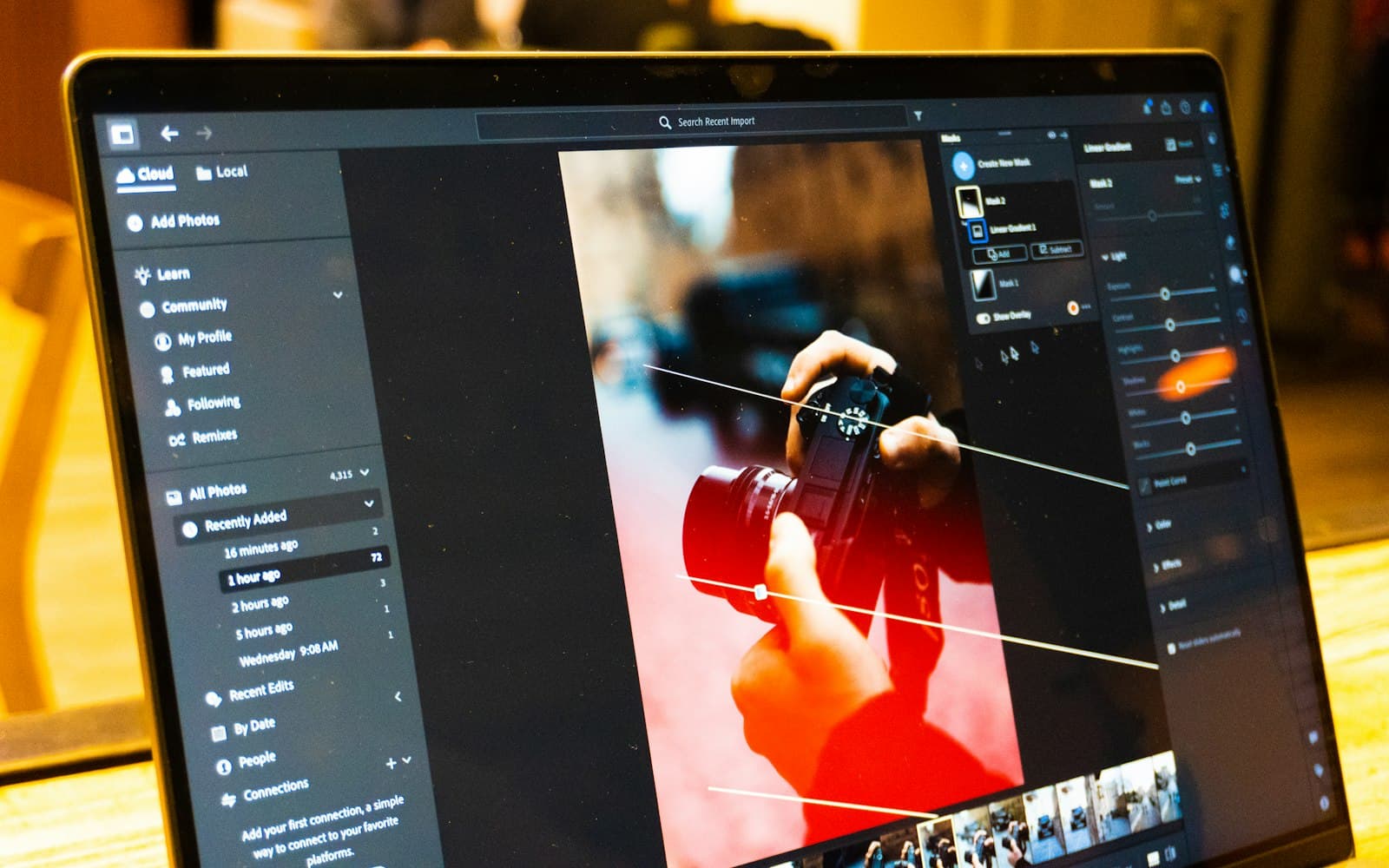
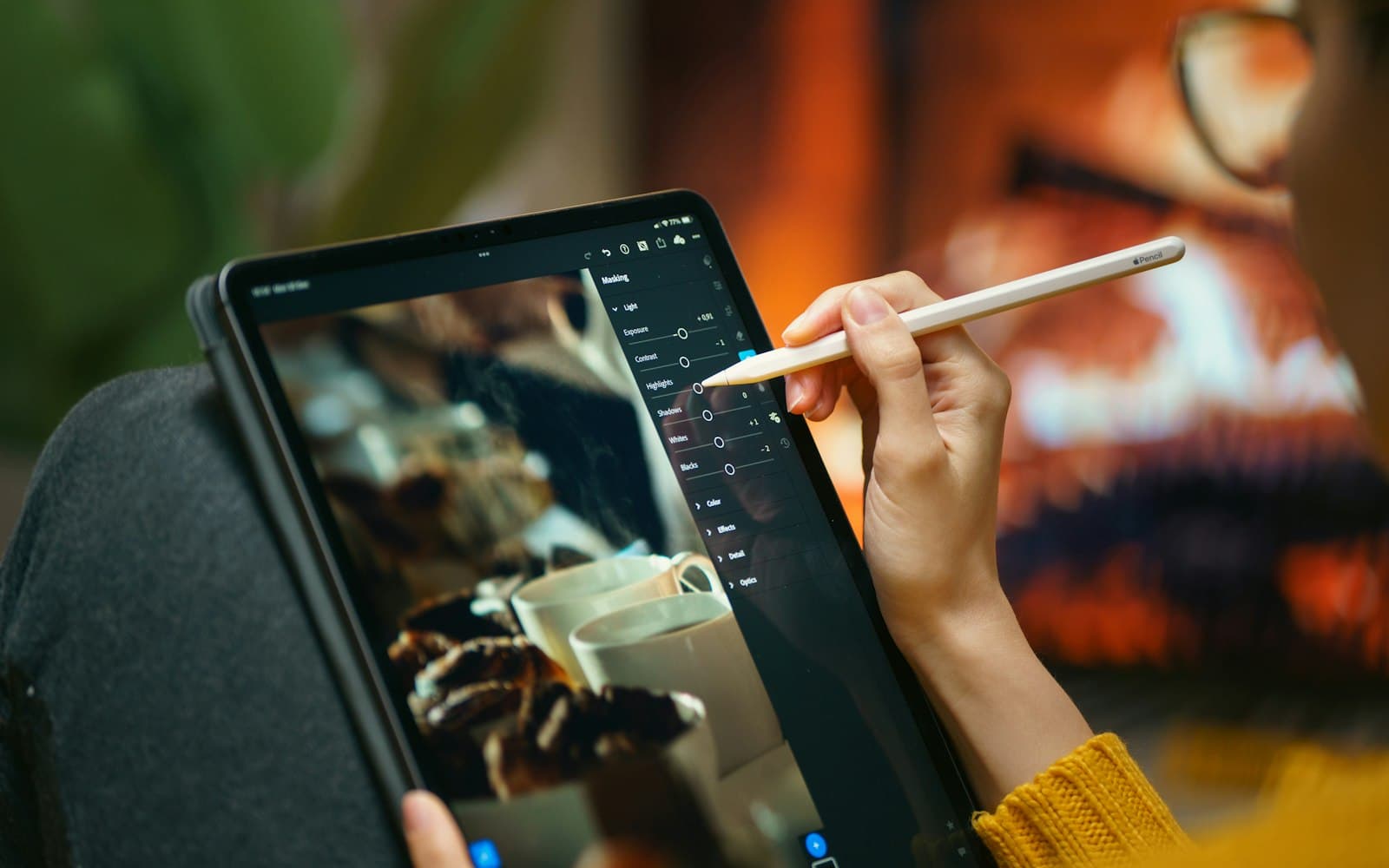
- Culling and editing. Grouping similar frames, flagging blur, and automatic masks for subjects, skies and people speed up the mechanical parts of editing. Our guide to AI in professional photography workflows goes into detail.
- Client communication. A writing assistant can turn your notes into a clear shot list or a timeline for the family, which you then check.
- Delivery. Face search in event galleries helps guests find their own photos, with privacy responsibilities attached; see AI face search for event photos.
Designers
- Exploration. Generating rough visual directions for a mood board before a client meeting.
- Production chores. Removing backgrounds, extending a canvas to fit a new format, or producing size variants of a finished design.
- Copy drafts. Placeholder headlines and microcopy that a copywriter or the client then refines.
Video editors
- Transcripts and subtitles. Automatic transcription makes it faster to find a quote in a long interview and to draft subtitles.
- Rough assembly. Some tools suggest cuts or remove silences, which helps with first drafts.
- Audio clean-up. Reducing background noise in speech recorded in difficult locations.
Social media and marketing teams
- Variations. Producing several versions of a caption or format for testing.
- Repurposing. Turning a long video into short clips, or a blog post into social posts.
- Planning. Drafting a content calendar from a list of campaigns, which the team then edits.
The limitations that matter in client work
Accuracy
Writing tools can produce fluent text that is simply wrong: invented facts, wrong dates, made-up quotations. Anything that goes to a client or the public needs checking by a person who knows the subject.
Language and cultural nuance
India's diversity is a real test for AI tools. Transcription and writing tools may handle some Indian languages and mixed-language speech better than others, and they may get names of people, places and rituals wrong. Visual tools may default to generic imagery that does not reflect how a particular community dresses, celebrates or lives. Review every output with that in mind.
Sameness
When many people use the same tools with similar prompts, the results start to look alike. Clients usually hire a creative professional for a distinct point of view. Use AI to clear the path to your own ideas, not to replace them.
Consistency
Generative tools can struggle to keep the same character, product or brand detail consistent across a series. For brand work, that often means more correction time than expected.
Confidentiality
Pasting a client's unreleased campaign, contract or photos into an online tool may share them with a third party. Check the tool's terms on data storage and on whether your inputs are used for training, and follow any confidentiality terms in your client contract.
Copyright and ownership
The law on AI and copyright is still developing, in India and elsewhere.
- In India, the Department for Promotion of Industry and Internal Trade (DPIIT) published a working paper in December 2025 on generative AI and copyright. Its first part deals with the use of copyrighted works to train AI systems and proposes a "hybrid model" based on a mandatory blanket licence with royalties paid through a central body. It is a proposal for consultation, not law. The paper says a second part will address whether AI-generated outputs can be protected and who the author would be.
- In the United States, the Copyright Office concluded in January 2025 that outputs of generative AI can be protected only where a human author has determined sufficient expressive elements. Using AI to assist, or including AI material in a larger human-created work, does not prevent protection, but prompts alone are not enough.
US conclusions do not decide the position in India, but they show the direction of thinking in a major jurisdiction. Practical steps for now:
- Say in your contracts whether and how you use AI, and who owns the final deliverables.
- Keep a record of your human contribution: sketches, drafts, selections and edits.
- Avoid generating work "in the style of" a living artist or using another creator's work as an input without permission.
- Check the licence terms of each generative tool for commercial use of its outputs.
Deepfakes, likeness and personal data
AI makes it easy to alter a person's face, voice or body, and that is where the most serious harms lie. India's AI Governance Guidelines, published by the Ministry of Electronics and Information Technology in November 2025, note that many such risks can be addressed under existing laws: impersonation through deepfakes under the Information Technology Act and the Bharatiya Nyaya Sanhita, and the use of personal data without consent to train AI models under the Digital Personal Data Protection Act. The Guidelines also discuss content authentication and provenance, including industry standards such as C2PA.
For a creative business, a few rules follow naturally:
- Do not create or alter images of real, identifiable people without their consent.
- Be transparent with clients when a deliverable contains generated or heavily altered content.
- Consider tools that support Content Credentials, the C2PA standard for recording how a piece of content was made and edited.
A simple AI policy for a small studio
A one-page policy prevents most problems:
- Approved tools. List the tools the team may use and for which tasks.
- Client data. State what may never be uploaded to external services, for example unreleased campaigns, contracts or identity documents.
- Human review. Every client-facing output is checked by a named person.
- Disclosure. Tell clients when generative AI is used in a deliverable.
- Likeness and consent. No generated or altered images of real people without consent.
- Records. Keep source files and drafts that show the human work.
Before you pay for an AI tool
- Which task will it save time on, and have I tested it on a real job?
- Can I review and correct its output easily?
- What do its terms say about commercial use of outputs?
- Are my inputs stored, and are they used to train its models?
- Does it work well with the languages and content my clients need?
- Can I export my work in standard formats if I stop using it?
- Does it support provenance information such as Content Credentials?
The bottom line
AI tools are most valuable when they remove repetitive work and leave more time for the parts of creative work that people hire you for: ideas, taste, judgement and relationships. Treat every output as a draft, protect your clients' data and the people in your images, and keep your contracts honest about how you work.
If you are building your body of work, read how creative professionals can build a strong portfolio, and for marketing, why visual storytelling matters. Within the FliqaIndia group, Fliqa Studio offers online tools to create designs, edit photos, remove backgrounds and generate AI images and videos (brand profile).
Sources and further reading
- Working Paper on Generative AI and Copyright, Part 1: One Nation One License One Payment (opens in a new tab)Department for Promotion of Industry and Internal Trade, Government of India
- Copyright Office Releases Part 2 of Artificial Intelligence Report (opens in a new tab)U.S. Copyright Office
- India AI Governance Guidelines (opens in a new tab)Ministry of Electronics and Information Technology (via Press Information Bureau)
- Coalition for Content Provenance and Authenticity (C2PA) (opens in a new tab)C2PA
- Content Credentials (opens in a new tab)Coalition for Content Provenance and Authenticity
Published by FliqaIndia Private Limited for general information. Photographs are illustrative and are not FliqaIndia projects or clients.
Back to all insights