Essential Tools for Running a Photography Business
Beyond the camera bag: the booking, contract, editing, backup, delivery, invoicing and security tools a photography business in India needs, organised by each stage of a job.

Photographers spend a great deal of thought on lenses and lighting, and much less on the tools that decide whether the business survives a busy season. Yet a missed enquiry, a corrupted card, a vague contract or an unpaid balance can cost more than any piece of gear.
This guide sets out the non-camera toolkit a photography business needs, whether you shoot weddings, portraits, products or corporate events. It is organised around the life of a single job, so you can see where each tool fits and spot the gaps in your own setup. We describe categories of tools and what to look for, rather than recommending particular brands.
Map the life of a job first
Every photography job moves through roughly the same stages:
- Enquiry and quote
- Booking, agreement and advance
- Planning the shoot
- The shoot itself
- Ingest, backup and culling
- Editing
- Delivery to the client
- Final payment and invoicing
- Archiving
Write down which tool, if any, you use at each stage today. Gaps usually show up as "my phone" or "I remember". Those are the stages where things go wrong when you are tired, travelling or handling three events in one week, which in the Indian wedding season is common.
Before the shoot: enquiries, agreements and planning
Enquiries and client records
A simple client management tool, or even a well-structured shared spreadsheet at the start, should hold every enquiry with its date, event type, location, source and status. What matters is that it is one list, not five chat apps.
Look for:
- An enquiry form you can link from your website and social profiles, asking for the date, city, type of shoot and budget range
- Statuses such as new, quoted, follow-up due, booked and lost
- Notes and a history of past jobs for repeat clients and referrals
Over a season this record also tells you which kinds of work and which channels actually lead to bookings, which is far more useful than follower counts.
Agreements, briefs and usage rights
A written agreement is a tool, and arguably the most important one. It should state what you will deliver, by when, the number of edited images or the length of the film, revision rounds, travel and accommodation terms, the payment schedule and cancellation terms.
It must also settle rights. Under section 17 of India's Copyright Act, 1957, the author is normally the first owner of copyright, but for a photograph taken for valuable consideration at the instance of another person, that person is the first owner unless there is an agreement to the contrary. In plain terms, for commissioned work the default can favour the client. If you want to keep copyright and license the images to the client, or keep the right to use them in your portfolio and marketing, the agreement needs to say so. Section 19 adds that an assignment of copyright is valid only if it is in writing and signed, and it should identify the work, the rights, the duration and the territory.
E-signature and proposal tools make this painless: the client receives a proposal, accepts it, signs, and pays the advance in one flow, and both sides have a dated record.
Planning tools for the shoot
For larger jobs, especially multi-day Indian weddings with haldi, mehendi, sangeet, the wedding day and a reception, planning tools save the day itself. Useful items include:
- A shared shot list per event, agreed with the client and with family members who know who must be photographed. Customs differ widely between communities and regions, so ask rather than assume. Our Indian wedding photography shot list is a starting point.
- A call sheet with timings, venue addresses, contacts and who is covering what.
- A kit checklist that includes batteries, cards, chargers and backup bodies.
Ingest, backup and storage
This is the stage where one bad habit can wipe out a job. Two rules cover most of the risk.
Do not format a card until the files exist in at least two other places. Copy the card to your working drive and to a backup, verify both, and only then reuse the card.
Follow the 3-2-1 idea. US-CERT guidance on data backup recommends three copies of important files, on two different types of media, with one copy kept offsite, meaning outside your home or studio. The same guidance points out that "rolling" backups which automatically mirror your working drive can copy corruption or malware into the backup as well, so at least one copy should not be continuously overwritten.
| Layer | Purpose | Typical tool category |
|---|---|---|
| Working drive | Fast access while editing | Internal or external SSD |
| Local backup | Quick recovery from drive failure | External hard drives or a network drive |
| Offsite copy | Survives theft, fire or flood at home or studio | Cloud backup or a drive kept elsewhere |
| Archive | Long-term storage of finished jobs | High-capacity drives, cloud archive |
A backup you have never restored is a hope, not a backup. Every few months, pick an old job and restore it fully.
Culling and editing software
Editing tools fall into a few categories: catalogue-based raw editors that manage large shoots, pixel-level editors for detailed retouching, culling tools that help you pick keepers quickly, and video editors if you also deliver films. Most professionals use a combination.
What matters more than the specific product:
- A consistent catalogue structure. Folder names that include the date and client make files findable years later.
- Presets and profiles that give you a consistent starting point, adjusted per image.
- A calibrated monitor, so the colour you deliver is the colour the client sees in print.
- A clear policy on AI-assisted features. Many editors now offer automated culling, masking and retouching. They can save time, but you remain responsible for the result. Our article on AI in professional photography workflows looks at where these help and where to be careful.
Delivery to clients
Delivery is part of the client experience. Sending a folder of files through a generic link that expires in a week does not match the care that went into the shoot. A delivery or gallery platform should let you:
- Share privately, with control over who can view and download
- Organise images by event or chapter
- Offer web-sized and full-resolution downloads separately
- Keep a record of what was delivered and when
For weddings and events with many guests, see our guide to organising and sharing event photos.
Invoicing, payments and accounts
A dedicated invoicing tool, or a business platform with invoicing built in, replaces hand-made invoices and memory-based reminders. If you are registered under GST, check that it handles the particulars CBIC's guidance requires on a tax invoice, such as your GSTIN, a consecutive serial number unique for the financial year, the recipient's details, the accounting code for services, taxable value, the rate and amount of tax, and the place of supply for inter-State work.
Two points matter especially to photographers, who often take advances months ahead:
- CBIC's guidance says a receipt voucher should be issued when an advance is received, and that for services GST is payable on advances.
- For services, an invoice issued after the work is done must generally be issued within 30 days of the supply.
Keep business and personal money in separate accounts, record every payment against its job, and give your accountant exportable records rather than screenshots.
Security and client privacy
A photography business holds personal data: phone numbers, addresses, event details and images of people, including children. India's Digital Personal Data Protection Act, 2023 requires organisations that decide how personal data is used to give clear notice, obtain consent for specific purposes, keep reasonable security safeguards and inform people about breaches. The Press Information Bureau's backgrounder notes that the DPDP Rules were published in the Gazette on 13 November 2025 with an eighteen-month phased compliance period. Check the current status on the Ministry of Electronics and Information Technology's website, and take advice on how it applies to you.
Practical basics:
- Turn on multi-factor authentication for email, cloud storage, gallery and payment accounts. CISA explains that a second verification factor means a stolen password alone is not enough to get in.
- Keep laptops and drives encrypted and physically secure, especially when travelling between venues.
- Ask permission before posting identifiable images of clients and guests publicly.
A toolkit by stage of business
| Stage | Must have | Add when you grow |
|---|---|---|
| Solo, starting out | Written agreement, invoice tool, 3-2-1 backup, private delivery | Client management, e-signature |
| Busy solo or duo | All of the above, client management, shot lists | Culling tools, automated reminders |
| Studio with a team | A shared workspace for projects, clients and payments | Role-based access, reporting |
If you are reaching the third row, our guide on how digital platforms improve creative business operations looks at bringing these tools together.
Checklist
- Every enquiry is recorded in one place with a status
- Every booking has a signed agreement that covers rights and portfolio use
- Advances are recorded with a receipt
- Cards are never formatted until two verified copies exist
- Backups follow 3-2-1 and a restore has been tested this quarter
- Delivery is private and recorded
- Invoices carry the GST particulars that apply to you
- Multi-factor authentication is on for every business account
- Laptops and drives are encrypted
Within the FliqaIndia group, Fliqa Business is business management software for photographers and other creative businesses that brings client work and payments into one workspace. Whatever you use, the test is simple: could someone else in your team find any job, its agreement, its files and its payment status without asking you?
Sources and further reading
- Data Backup Options (opens in a new tab)US-CERT (Cybersecurity and Infrastructure Security Agency)
- The Copyright Act, 1957: Chapter IV (Ownership of copyright and the rights of the owner) (opens in a new tab)Copyright Office, Government of India
- Tax Invoice and other such instruments in GST (opens in a new tab)Central Board of Indirect Taxes and Customs (GST Council e-flyer)
- DPDP Rules, 2025 Notified: A Citizen-Centric Framework for Privacy Protection and Responsible Data Use (opens in a new tab)Press Information Bureau, Government of India
- More than a Password (opens in a new tab)Cybersecurity and Infrastructure Security Agency
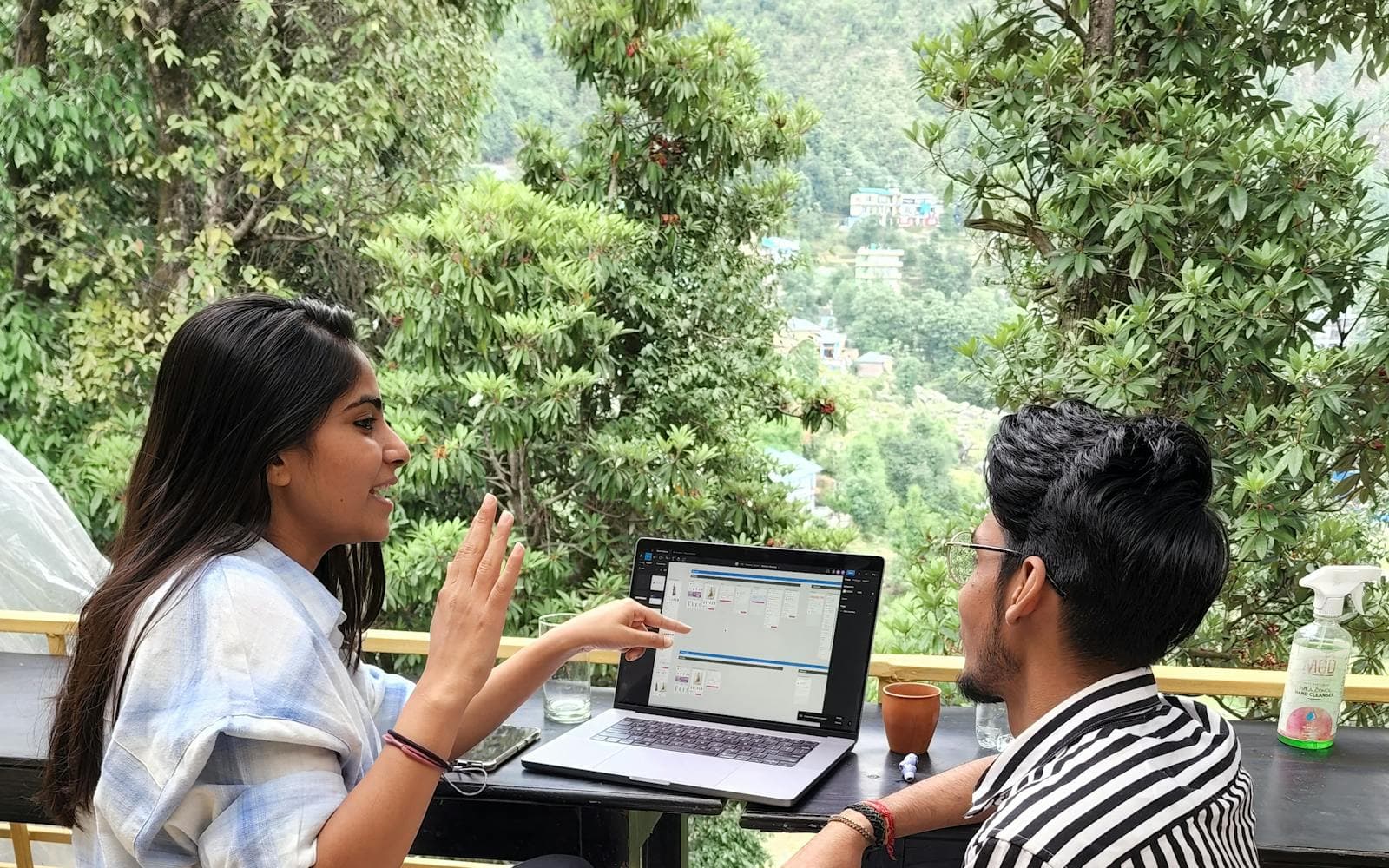
Published by FliqaIndia Private Limited for general information. Photographs are illustrative and are not FliqaIndia projects or clients.
Back to all insights