How to Organise and Share Wedding and Event Photos
A practical system for collecting photos from photographers and guests, organising them into folders that make sense, backing them up properly and sharing them without losing control of who sees what.

After a wedding or a big family event, photos arrive from everywhere: the photographer's gallery, the videographer's stills, a dozen relatives' phones, a cousin's camera and a WhatsApp group that never stops. Within a month, nobody can find the photo of the grandparents during the pheras, and the only copy of the sangeet group shot is on a phone that has since been reset.
It does not have to go that way. With a simple plan and an hour or two of work, you can gather everything in one place, organise it so it can be found years later, keep it safe, and share it with the right people. This guide works for weddings, but the same system suits birthdays, anniversaries, school events and company functions.
Decide the plan before the event
A little preparation saves hours later.
- Choose one person to collect photos. Often a sibling or cousin who is comfortable with technology. One owner avoids five half-finished collections.
- Choose one place to collect them. A shared folder, a shared album or a collection link that guests can upload to.
- Tell guests how to send photos. Put the link or a QR code on the welcome board or in the family group, with a short line asking for original photos rather than forwarded copies.
- Agree what the photographer will deliver. Know when the edited gallery will arrive, in what form, and for how long the online gallery will stay available.
Gather everything in one place
Once the event is over, bring every source together before you organise anything:
- Download the photographer's edited gallery in full resolution.
- Collect guest uploads from the shared folder or album.
- Save photos from chat groups only where no better copy exists.
- Copy photos from your own phones and cameras.
Put all of this into a single "Incoming" folder on a computer. Do not start sorting while files are still arriving, or you will end up with duplicates in several places.
Use a folder structure that will still make sense in ten years
The Library of Congress recommends giving photos descriptive names and creating a folder structure for the images you choose to keep, with a short written description of how it is organised. A date-first structure works well because it sorts correctly on any computer. One main folder for the event, with numbered sub-folders inside it:
- 2026-12-05 Wedding of Asha and Rohan / 01 Haldi
- 2026-12-05 Wedding of Asha and Rohan / 02 Mehendi
- 2026-12-05 Wedding of Asha and Rohan / 03 Sangeet
- 2026-12-05 Wedding of Asha and Rohan / 04 Wedding ceremony
- 2026-12-05 Wedding of Asha and Rohan / 05 Reception
- 2026-12-05 Wedding of Asha and Rohan / 06 Guest photos
- 2026-12-05 Wedding of Asha and Rohan / 07 Videos
Number the function folders so they appear in the order they happened. Adapt the names to your family's functions; customs differ widely across communities, so use whatever names your family actually uses. Keep the photographer's edited photos separate from guest photos, at least at first, because they differ in quality and source, and your contract with the photographer may set terms on how their photos can be used.
Choose what to keep
Most events produce far more photos than anyone will look at. The Library of Congress suggests deciding which photos are most important, and where there are several versions of the same photo, keeping the one with the highest quality.
A practical approach:
- Delete obvious failures: blurred shots, accidental pocket photos, near-identical bursts.
- Keep every photo of elders and of family groups, even imperfect ones. They become more precious with time.
- Mark favourites as you go, so that you can later build a short "best of" selection to share widely.
Add names and captions
In twenty years, nobody will remember which uncle is standing next to the bride's grandmother. The Library of Congress recommends tagging photos with the names of people and descriptive subjects.
Most photo software lets you add captions, keywords and people's names. These are stored as metadata, and the IPTC Photo Metadata standard, widely used by photographers and archives, defines common fields for descriptions, keywords and copyright information so that they can be read by different programs. Even a caption on the twenty most important family photos is worth the effort.
Back up before you share
Sharing is not the same as backing up. A shared album can be deleted, an account can be closed, and a link can expire.
The Library of Congress advises making at least two copies of your selected photos, on separate media, stored in places as far apart as practical, checking them at least once a year, and copying them to new media every five years or when needed. The US cybersecurity agency CISA recommends a similar "3-2-1" rule for important files: three copies, on two different types of media, with one copy offsite.
A simple setup for a family:
| Copy | Where | Why |
|---|---|---|
| 1 | Your computer | Working copy |
| 2 | External drive kept at another home | Protects against theft, fire or a failed computer |
| 3 | Cloud storage account | Protects against local disasters and is reachable from anywhere |
Choose how to share
Different people need different things. Grandparents may want a printed selection; friends want a few highlights; close family want everything.
| Method | Good for | Watch out for |
|---|---|---|
| Shared cloud album | Close family adding and viewing photos | Members can often add photos, and leaving can remove what they added |
| Private gallery link | Delivering a large set to many guests | Anyone with the link can usually view it, so do not post it publicly |
| Link with password or access code | Larger events with guests you do not know well | Codes get forwarded; change or close them when sharing ends |
| QR code at the venue | Guests uploading or viewing on the day | Make it clear what guests are joining and who can see it |
| USB drive or printed selection | Elders without smartphones | Make sure it is a copy, not your only backup |
Google's own help pages for Google Photos, for example, note that when you share an album, anyone with access can view it and add to it, and when you share a link, anyone with the link can view the photos. Whichever service you use, read its sharing settings before sending the link to a large group.
Respect the people in the pictures
Event photos are full of other people, including guests who did not choose to be photographed and children who cannot choose at all. Some simple courtesies go a long way:
- Share the full gallery only with people who were at the event, and keep public posts to photos where the people shown are comfortable with it.
- Remove a photo promptly if someone asks.
- Be especially careful with photos of children and with photos taken in private moments such as getting ready.
- Close or expire sharing links after a reasonable time.
There is a legal side too. India's Digital Personal Data Protection Act, 2023 does not apply to personal data processed by an individual for a personal or domestic purpose, which generally covers a family organising its own photos. A photographer, studio or company sharing event photos as part of a business is in a different position and should read our guide to AI face search and privacy, which explains the Act's requirements and when they apply.
A printable checklist
Before the event:
- One person is responsible for collecting photos
- One shared folder or album is set up for uploads
- Guests know how to send original photos
- Delivery date and format agreed with the photographer
After the event:
- All sources downloaded into one Incoming folder
- Folders created by date and function
- Failures and duplicates deleted, favourites marked
- Key family photos captioned with names
- Three copies made: computer, external drive, cloud
- Sharing links set up with the right access, and an end date decided
- A short "best of" selection prepared for elders or for printing
Where to go next
If you are deciding how the best photos should be presented, read our comparison of digital and printed wedding albums. If you are still planning the wedding, the Indian wedding planning checklist covers photography alongside everything else.
Within the FliqaIndia group, Fliqa Sharing is a service for uploading, organising, sharing and delivering files to clients and teams (brand profile), and Fliqa AI provides private photo galleries for photographers, delivered by link or QR code, with AI face search for guests (brand profile).
Sources and further reading
- Keeping Personal Digital Photographs (opens in a new tab)Library of Congress (Digital Preservation)
- Data Backup Options (opens in a new tab)Cybersecurity and Infrastructure Security Agency (CISA)
- IPTC Photo Metadata Standard (opens in a new tab)International Press Telecommunications Council (IPTC)
- Share photos & videos (opens in a new tab)Google Photos Help
- The Digital Personal Data Protection Act, 2023 (No. 22 of 2023), Gazette of India (opens in a new tab)Ministry of Electronics and Information Technology
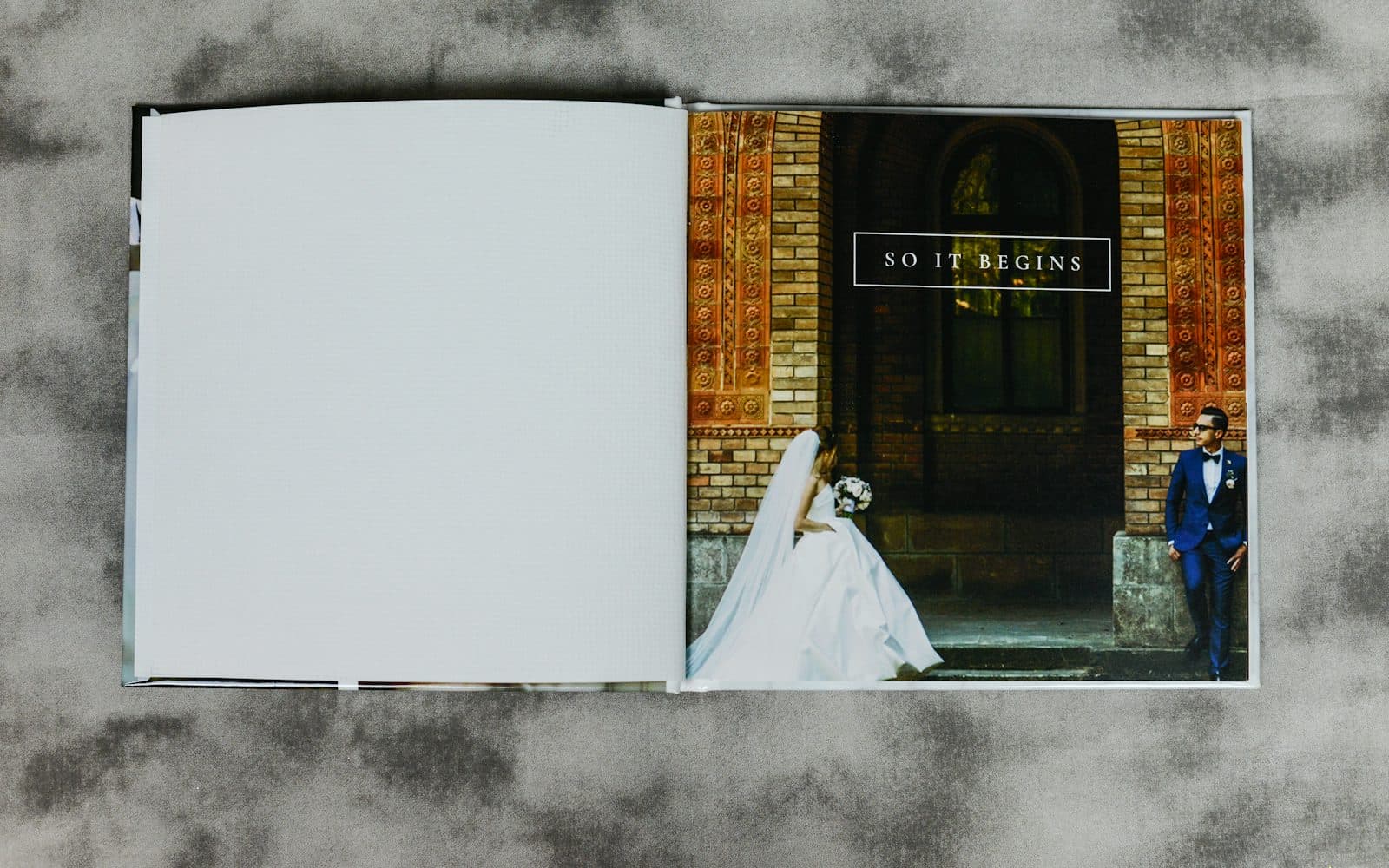
Published by FliqaIndia Private Limited for general information. Photographs are illustrative and are not FliqaIndia projects or clients.
Back to all insights